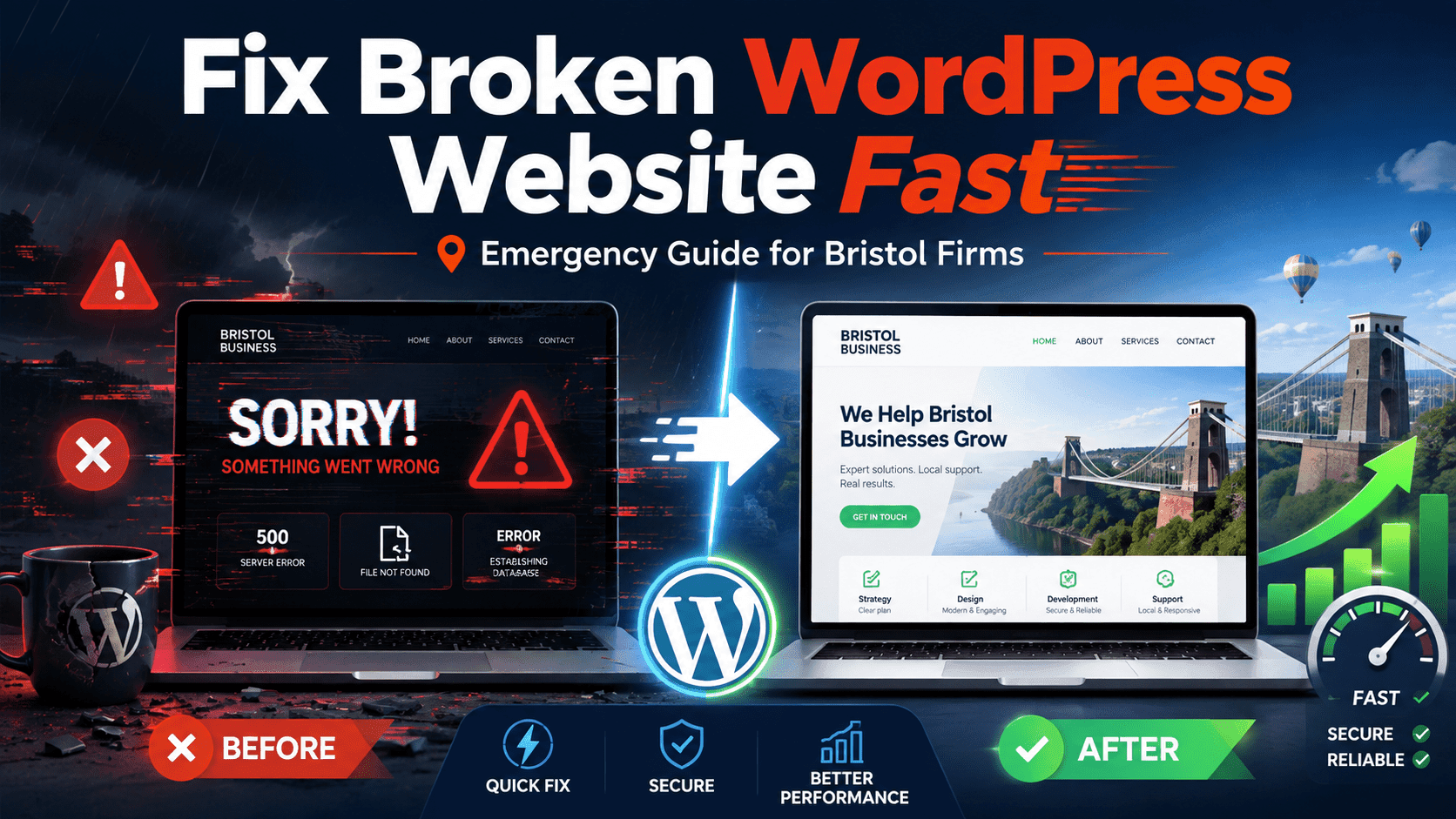
If you want to rank for how to fix broken WordPress website, your first step is to understand what caused the problem before making random changes. A broken WordPress website can affect leads, bookings, sales, customer trust, and local SEO. For Bristol firms, this can be a serious issue because customers may leave quickly and choose another business.
A WordPress website can break after a plugin update, theme update, PHP change, hosting issue, malware attack, cache conflict, or wrong code edit. The good news is that many WordPress problems can be fixed fast when you follow the right steps.
Website Down? Don’t Panic.
Avoid random updates. Check plugins, cache, hosting, backups and malware before the issue gets worse.
Why WordPress Websites Break Suddenly
WordPress websites use themes, plugins, hosting, databases, PHP versions, cache systems, and custom code. If one part stops working properly, the full website can break.
A small plugin conflict can damage your layout. A failed update can create a blank screen. A hosting problem can make your website slow or unavailable. Malware can redirect users or show spam content.
For Bristol businesses, a broken website can mean missed enquiries, lost calls, lower trust, and poor user experience.
Step 1: Check If the Website Is Fully Down or Partially Broken
Before you try to fix anything, check the type of issue. Is the full website down, or is only one page broken?
Check these areas:
- Homepage
- Service pages
- Contact page
- Blog pages
- Mobile version
- WordPress admin login
- Contact forms
- Checkout or booking pages
If only one page is broken, the issue may be linked to page content, Elementor, a plugin, or custom code. If the full website is down, the issue may be linked to hosting, PHP, database, theme, or plugin conflict.
Step 2: Avoid Random Updates
Many business owners panic and start updating everything. This can make the problem worse.
Do not update all plugins, themes, and WordPress core at once when your website is already broken. More updates can create more conflicts.
Before making changes, take a backup if possible. If your hosting has automatic backups, check the latest restore point before editing files or plugins.
Quick Rule
Backup first. Fix second. This one step can save your website, leads and recent content.
Step 3: Clear Cache and Test Again
Sometimes your website is not fully broken. It may only be showing an old cached version or a broken cached file.
Clear:
- WordPress cache
- Hosting cache
- Browser cache
- CDN cache
Then open the website in incognito mode or on another device.
If the website looks fine after clearing cache, the issue may be a caching conflict. If it still looks broken, continue checking the site.
Step 4: Deactivate Recently Updated Plugins
Plugins are one of the most common reasons WordPress websites break.
If your site broke after a plugin update, deactivate that plugin first. If you cannot access the WordPress dashboard, you can deactivate plugins from your hosting file manager by renaming the plugin folder.
Common plugin problems include:
- Elementor conflicts
- Cache plugin errors
- Security plugin conflicts
- Form plugin issues
- SEO plugin conflicts
- Old plugins not working with the current PHP version
After deactivating the suspected plugin, refresh your website and check again.
Step 5: Switch to a Default Theme Temporarily
If plugins are not the issue, your theme may be causing the problem. A theme update or custom theme code can break headers, footers, service pages, or full layouts.
You can temporarily switch to a default WordPress theme to test the issue. If the website starts working, the problem is likely inside your theme or theme settings.
For Bristol business websites with custom design, do not delete themes without backup. Always test carefully before removing anything.
Step 6: Check PHP Version and Hosting Errors
A WordPress website may break if the PHP version changes or if your hosting server has errors.
Check your hosting panel for:
- PHP version
- Error logs
- Disk space
- Server downtime
- Database connection errors
- SSL issues
- File permission problems
If your website shows “Error establishing a database connection,” the problem may be linked to the database, hosting, or configuration.
If your website shows a white screen, it may be caused by a PHP error, plugin conflict, or theme issue.
Fast Diagnosis Checklist
- Did the issue start after a plugin update?
- Did the issue start after a theme update?
- Did the hosting or PHP version change?
- Is the admin dashboard still accessible?
- Are contact forms still sending emails?
Step 7: Restore a Clean Backup If Needed
If the website is badly broken and you cannot fix it quickly, restoring a clean backup may be the fastest solution.
Use a backup from before the issue started. After restoring, test the website carefully before updating anything again.
Check:
- Homepage
- Contact forms
- Mobile layout
- Important pages
- Admin login
- Plugins
- Website speed
- Security
A backup restore can save time, but it must be done carefully. You do not want to lose recent orders, form entries, bookings, or content updates.
Step 8: Scan for Malware or Suspicious Files
If your website shows strange redirects, spam pages, unknown users, hidden links, or unwanted popups, it may be hacked.
Signs of malware include:
- Unknown admin users
- Spam links in pages
- Suspicious PHP files
- Google warnings
- Redirects to strange websites
- Search results showing unrelated titles
- Slow loading without clear reason
In this case, do not only fix the design. You need a proper malware scan and cleanup. If the infected files remain, the issue may come back.
Step 9: Test Contact Forms and Lead Flow
After fixing the website, test all lead generation points. A site can look normal but still fail to send enquiries.
Check:
- Contact forms
- Quote forms
- Phone buttons
- WhatsApp buttons
- Booking forms
- Email delivery
- Thank-you pages
For Bristol firms, this step is important because a broken form can silently waste traffic and leads.
Step 10: Prevent the Same WordPress Issue Again
Once the website is fixed, create a prevention plan. This can reduce future emergencies and protect your business website.
You should:
- Keep regular backups
- Update plugins carefully
- Remove unused plugins
- Use secure hosting
- Monitor uptime
- Scan for malware
- Test after updates
- Limit admin access
- Use a staging site before major changes
A professional WordPress maintenance plan can help keep your website stable, secure, and ready for customers.
Need Emergency WordPress Help in Bristol?
Fixing a broken WordPress website fast can be stressful, especially when your business depends on enquiries, bookings, calls, or online sales.
Genosys Limited helps businesses with WordPress troubleshooting, emergency website fixes, plugin conflict repair, Elementor issues, malware checks, speed optimization, backup restoration, and technical website support.
If your Bristol business website is broken, slow, hacked, or not working properly, our team can help identify the issue and restore your website safely.
Genosys Limited can provide a Free WordPress Emergency Website Consultation to help Bristol firms fix urgent website problems and prevent them from happening again.
Fix Your Website Before You Lose More Leads
Your broken website may already be costing you calls, forms, bookings and customer trust.
FAQs
Why did my WordPress website suddenly break?
A WordPress website can break because of plugin conflicts, theme issues, failed updates, hosting errors, PHP changes, malware, cache problems, or database errors.
How can I fix broken WordPress website issues quickly?
Start by checking whether the full site is down or only one page is broken. Then clear cache, deactivate recent plugins, check the theme, review hosting errors, and restore a clean backup if needed.
Can I fix a broken WordPress website myself?
You can fix small issues like clearing cache or disabling a plugin. But if the website is fully down, hacked, or showing server errors, expert help is safer.
Should I restore a backup immediately?
Restore a backup only if you know it is clean and recent. First check whether the issue can be fixed without losing new content, orders, or form entries.
How can Bristol firms prevent WordPress website issues?
Bristol firms can prevent issues with regular backups, safe updates, plugin cleanup, security monitoring, uptime checks, and professional WordPress maintenance.
Conclusion
A broken WordPress website can damage leads, sales, customer trust, and local SEO. The safest approach is to check the issue first, avoid random updates, clear cache, review plugins, test the theme, check hosting, restore backups if needed, and scan for malware.
For Bristol firms, fast action matters. A working website helps customers contact your business, trust your brand, and complete enquiries without frustration. Genosys Limited can help fix broken WordPress website issues quickly and safely with emergency website support.