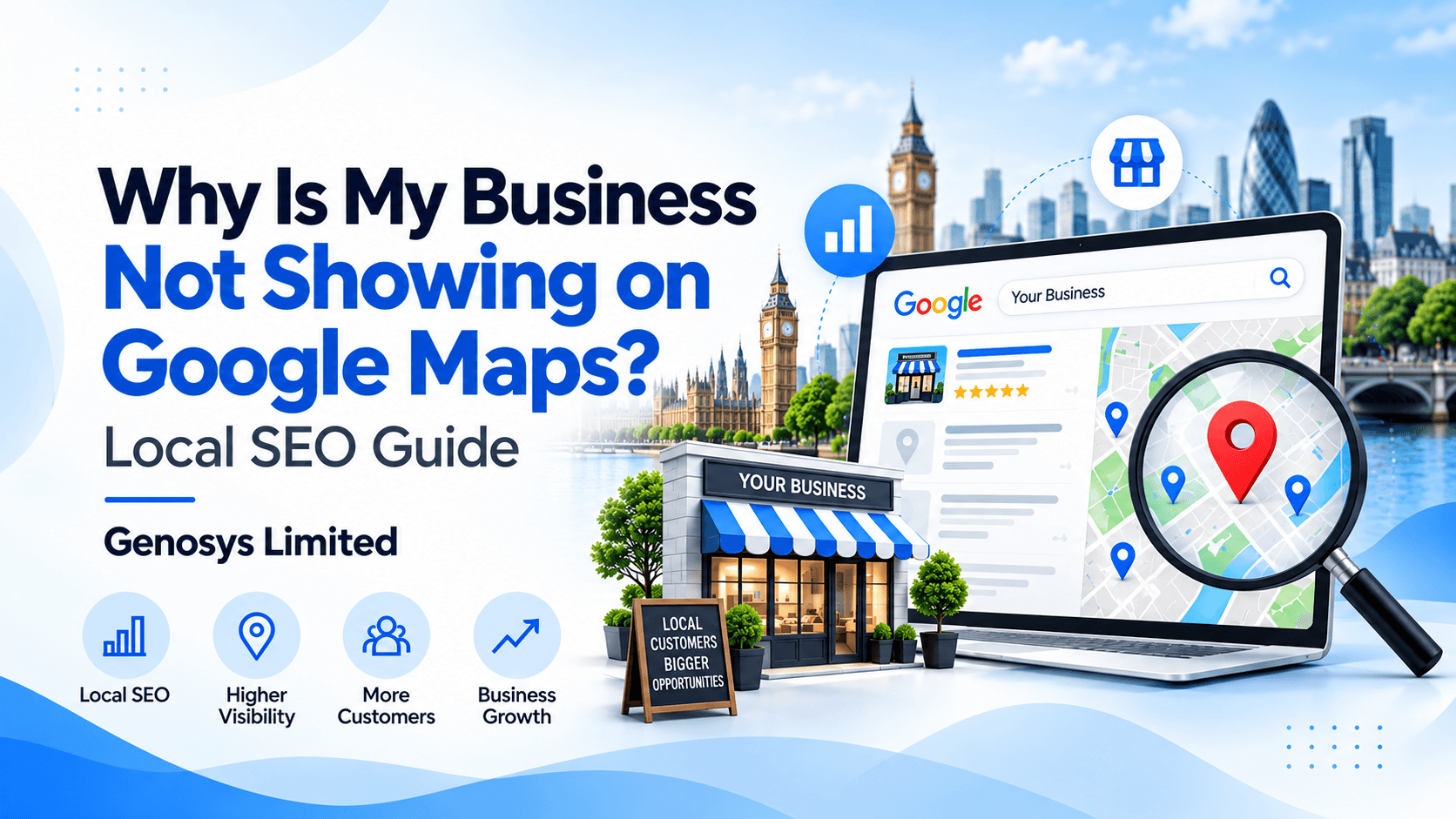
There is good news. Many Google Maps issues can be fixed. You first need to find the cause.
Your Google Business Profile may need more work. It may not be verified. It may have wrong details. In some cases, Google may have placed a hold on the profile.
This guide shows you why your business is not showing on Google Maps. It also gives you 10 clear fixes.
You will learn how to check your profile, solve common issues and improve your local reach. You can also explore our local SEO services for UK businesses if you need expert support.
Why Is My Business Not Showing on Google Maps?
Quick answer: Your business may not show due to a profile issue. It could be unverified, on hold or set up with the wrong details. It may also fail to meet Google’s rules.
But there is another cause. Your listing may be live and still rank too low.
Start with a search for your exact business name. Add your town or city too.
If the listing is not there, check your profile status. If it does appear, but not for key service searches, check your local SEO.
Find Out What Is Wrong
| What You See | What May Be Wrong | What To Do |
|---|---|---|
| No listing by name | Profile or account issue | Check profile status |
| Listing shows by name only | Low rank for service searches | Check local SEO |
| Wrong map pin | Wrong address | Fix the map pin |
| Listing went away | A hold or account change | Read Google’s notice |
Why Does Google Maps Matter for Local Businesses?
Many people use Google Maps to find local firms. They search for a service, read reviews and check the address.
A person in Leeds may search for a plumber. A shop owner in London may search for a web design firm. A family in Birmingham may look for a local café.
Google Maps helps them find places near them. They can also call a firm or visit its site.
If your business is hard to find, some of these leads may go to other firms.
That is why local search matters. You want the right people to find you at the right time.
10 Reasons Your Business Is Not Showing on Google Maps
1. Your Google Business Profile Is Not Verified
First, check if Google has verified your business. This is a key step.
Google needs to know that you can manage the firm. It may ask for proof before it shows your details.
If you have not done this step, your listing may not show as you expect.
How to check:
- Sign in to your Google account.
- Open your Business Profile.
- Check its status.
- Look for a request to verify.
- Use the method Google gives you.
Google may ask for a video, call, email or another form of proof. The options vary by business.
Do not make a new profile just to skip this step.
Read the official Google guide to verify your business.
2. Your Google Business Profile Is on Hold
Google may place a hold on a Business Profile. It may also disable one.
This can happen when a profile seems to break the rules. Wrong details or a false address may be a cause.
If your listing has gone away, check for a notice from Google.
What should you do?
- Open your Business Profile account.
- Read the notice from Google.
- Check your name and address.
- Fix any wrong details.
- Send an appeal if you can.
Google may ask for proof that the business is real. Keep your records ready.
Do not set up a second profile to get past a hold. That can cause more issues.
Use Google’s guide to fix a suspended or disabled Business Profile.
3. Your Business Details Are Not Complete
Google needs clear facts about your firm. So do your customers.
Check that your profile has all key details. Make sure they are true and up to date.
Review these fields:
- Real business name
- Main business type
- Phone number
- Website link
- Opening hours
- Address or service area
- Main services
- Business summary
A full profile can help Google learn what you do. It also helps people choose your firm.
Do not add words just to gain more views. Your profile must match your real business.
4. You Chose the Wrong Business Category
Your main category tells Google what you do.
Think of a firm that fixes boilers. If it has the wrong category, Google may find it hard to match the firm with boiler repair searches.
Choose the category that best fits your main work.
Use these steps:
- Check your main category.
- Pick the best match.
- Add other true service categories.
- Remove those that do not fit.
Do not choose a category just because it has a popular search term.
The goal is to show Google what your firm does, not to target every type of search.
5. Your Address or Map Pin Is Wrong
Google Maps needs the right place details. A wrong map pin can make it hard for people to find you.
Check your street, town and postcode. Then check the pin on the map.
If people visit your shop or office, your address must be real and fit Google’s rules.
If you visit clients at their homes, you may need a service-area profile.
For example, a cleaner may work from home but visit clients in Coventry. The cleaner should use the right service-area settings.
Do not use a fake London office to reach more people.
Fix: Use your real details. Show only the areas you truly serve. Hide your home address if Google’s rules call for it.
6. You Have More Than One Listing
Some firms have two Google Maps profiles by mistake.
This can happen after a move, a name change or a new account setup.
Two profiles for the same place can cause issues. They may also confuse clients.
What to check:
- Search for your full business name.
- Try your old business name.
- Check your old address.
- Look for more than one map listing.
If you find a duplicate, use Google’s tools to report or fix it.
Do not set up a new profile for each town. Only create profiles for real, eligible business sites.
7. Your Business Has Few Customer Reviews
Reviews help people learn about your business. They can also play a part in local search rank.
But few reviews do not mean your profile will be hidden.
Start by asking real clients for fair and honest feedback.
Good review habits include:
- Ask clients after the work is done.
- Use your official Google review link.
- Thank people for their feedback.
- Reply to poor reviews with care.
- Never buy or fake reviews.
Do not ask people to post false praise. Real reviews are best for trust.
Learn how our online reputation management services can support your brand’s online image.
8. Your Website Needs Better Local SEO
Your website helps people learn about your firm. It can also support your local search plan.
Think about what happens after a Maps search.
A customer finds your listing. They click your website link. They want to know what you do and how to reach you.
If the site is slow or hard to use, they may leave.
Your website should have:
- Clear service pages
- Easy ways to call or email
- Fast page load times
- A layout that works on phones
- Real service area details
- Working forms and buttons
- Useful links to key pages
Good website development services can help you build a site that is easy to use.
For local SEO, write about places where you do real work. Do not add town names that have no link to your services.
9. Your Business Details Do Not Match Online
Your contact details should be correct on each key site.
For example, your site may show one phone number. An old business listing may show another.
This can confuse users. It may also lead them to the wrong place.
Check your business name, address and phone number. These are often called NAP details.
Check them on:
- Your own website
- Google Business Profile
- Business pages on social media
- Local business sites
- Other key online listings
If you move or change your phone, update these details.
Use the name that your customers know. Keep your contact details easy to find.
10. Your Business Is New or Faces Tough Competition
A new listing may need time to show in search results.
Google may also need time to process a change. Your listing might be live but rank below older firms.
This is common in busy UK towns and cities.
A new café in London may find it hard to rank for “coffee near me”. The local area may have many well-known cafés.
Start with a full and correct profile. Add real photos where useful. Ask clients for fair reviews.
Then work on your site’s content and local SEO.
Do not change your profile each day in the hope of a quick rank boost.
Is Your Business Hard to Find on Google Maps?
Genosys Limited can help you review your local SEO and find ways to improve your online reach.
How Does Google Rank Local Businesses?
Google uses many signals to sort local results. Three key factors are relevance, distance and prominence.
Relevance: Does Your Business Match the Search?
Google checks how well your profile fits what people want.
For example, a person may search for a locksmith. Google aims to show firms that offer that type of work.
Clear categories and true service details help Google make that match.
Distance: How Close Is Your Business?
Google also looks at where the user is.
A shop near the user may show above a shop far away. This can vary with each search.
That is why a firm may rank well in one part of London but not in another.
Prominence: How Well Known Is Your Business?
Google may look at reviews, links and facts from the web.
A well-known firm may have an edge in some local searches. But no firm can pay for a top organic Maps rank.
Read Google’s official guide to improve local rankings for more detail.
How to Check Your Google Maps Listing: Easy Steps
Use this plan before you make more changes.
- Find your business. Search for your exact name and town.
- Check your account. Use the Google account that runs the profile.
- Check your status. See if Google needs proof or has placed a hold.
- Check your details. Review your name, phone and web link.
- Check your map pin. Make sure it marks the right place.
- Check your category. Pick the one that best fits your work.
- Look for duplicates. Find any old or extra profiles.
- Review your website. Test key pages on a phone.
- Try a service search. Search for your main service and town.
- Track progress. Check real calls, site visits and leads.
This plan can help you see if you have a profile issue or a ranking issue.
How Long Does It Take to Show on Google Maps?
There is no fixed time for each business.
First, Google may need to verify your profile. Then it may need time to review your details.
Some edits can take a few days to show. New firms may need more time to build a local search presence.
If your listing is on hold, you must deal with that issue first.
If the listing is live but ranks low, work on clear service details and a useful website.
Do not expect a top rank from one small change.
Google Maps Mistakes You Should Avoid
Some short cuts can make the problem worse. Keep these points in mind.
- Do not use a fake address. Your business location must meet Google’s rules.
- Do not add false words to your name. Use your real business name.
- Do not buy fake reviews. Ask real clients for honest feedback.
- Do not make extra profiles. Check Google’s rules for each location.
- Do not use the wrong category. Choose the best match for your work.
- Do not change key details too often. Fix the cause first.
- Do not trust rank guarantees. No agency can promise first place on Google Maps.
For full rules, see Google’s Business Profile guidelines.
Why Choose Genosys Limited for Local SEO Support?
Genosys Limited offers digital services for UK firms. We help businesses build a clear and useful online presence.
Our work covers SEO, web design and digital marketing. We look at what a business needs before we suggest a plan.
Our services can help with:
- Local SEO: Help your site reach users who seek your services.
- Google Business Profile support: Review your details and spot issues.
- Website design: Make your site clear and easy to use.
- SEO content: Write pages that answer real customer needs.
- Internal links: Help users find the right service pages.
- Digital marketing: Plan ways to reach and engage new clients.
We focus on useful work and clear goals. We do not promise a fixed Google Maps rank.
If you run a firm in London, read our Local SEO London and Google Maps guide. It shares more tips for a busy local market.
Frequently Asked Questions About Google Maps
1. Why is my verified business not showing on Google Maps?
Your profile may have a hold, wrong details or a low local rank. Search for your exact business name first. Then check the profile status.
2. How can I add my business to Google Maps?
Make sure your firm meets Google’s rules. Then add or claim your Business Profile. Fill in the correct details and complete the checks Google asks for.
3. Can my business show on Google Maps without a website?
Yes. An eligible firm can have a Business Profile without a site. But a good website helps people learn about your work and contact you.
4. Why does my business show by name but not for “near me” searches?
Your listing may be live but rank below other firms. Google looks at relevance, distance and prominence when it shows local results.
5. Do reviews help my Google Maps rank?
Yes, reviews can help as part of local prominence. But they are not the only factor. Your profile and business details must also be correct.
6. Can an SEO agency make my business rank first on Google Maps?
No agency can promise a top organic rank. Google sets the order of results. An SEO team can help you make sound changes, but the final rank is up to Google.
Final Thoughts
If your business is not showing on Google Maps, do not guess at the cause.
Check your profile first. Make sure it is verified and meets Google’s rules.
Then check your name, address, phone and main category. Look for old or extra listings too.
If your profile is live but ranks low, focus on better local SEO. Make your website clear, keep your details up to date and ask real clients for fair reviews.
Small, useful changes can help over time. The key is to fix real issues and make it easy for people to find you.
Want More Local Customers to Find Your Business?
Talk to Genosys Limited about local SEO, your website and ways to reach more of the right people.